
By Tech Gear Hub • Last updated: November 18, 2026
Disclosure: Tech Gear Hub is reader-supported. As an Amazon Associate, we earn from qualifying purchases made through links on this page. Prices change often — always check the current price before you buy.
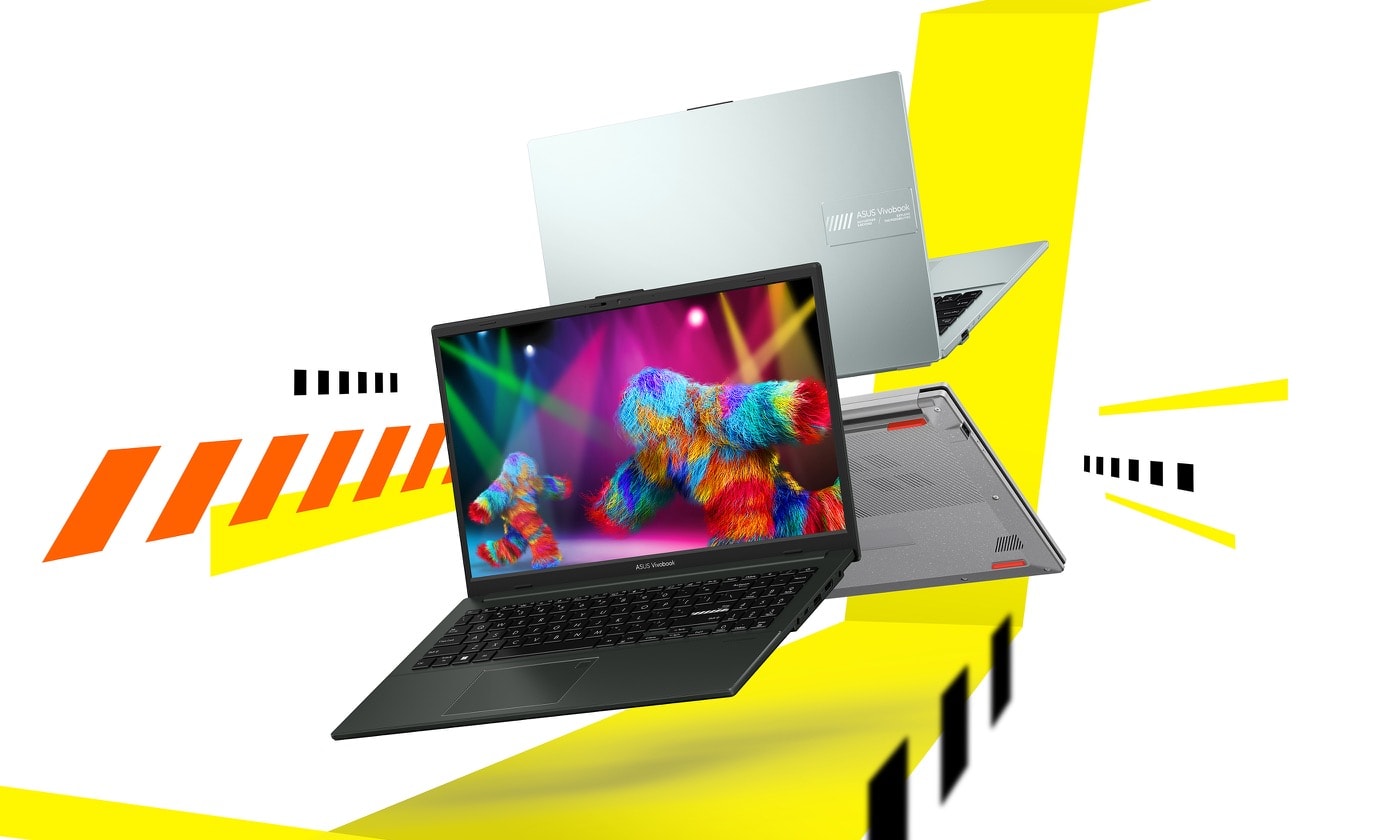
Tech Gear Hub reviewed the ASUS Vivobook Go 15 (E1504FA), a 15.6-inch Windows laptop for students and home users who want a big screen in a light, portable body. Our focus is the E1504FA-AB34: Ryzen 3 7320U, 8GB LPDDR5, 256GB SSD, Windows 11 Home, Mixed Black. It weighs 3.59 lbs, is built to the US MIL-STD 810H standard, and the family starts at $299.99 — but that price buys a much weaker configuration than the one we recommend.
Quick Verdict
For most students, the ASUS Vivobook Go 15 (E1504FA-AB34: Ryzen 3, 8GB RAM, 256GB SSD) is the budget 15.6-inch laptop to buy under $400 — light, tough, with a webcam shutter and fast charging. The $299.99 price is the base Athlon model (4GB/128GB), not this one, and we could not verify the AB34's current price on November 18, 2026.
Table of Contents
- Which configuration should you buy?
- Design and build
- Display
- Performance
- Keyboard and audio
- Ports and connectivity
- Battery and charging
- Storage and upgradability
- Who should buy it — and who should not
- Common mistakes to avoid
- Frequently asked questions
- Sources and references
Which Vivobook Go 15 configuration should you buy?
The Vivobook Go 15 is a family, not a single laptop. ASUS sells the E1504F family with several processor, memory and storage combinations, and the exact specification depends on the SKU.
| Configuration | Processor / RAM / Storage | Verified US price | Who it suits |
|---|---|---|---|
| Base — E1504FA-PS04 | Athlon Silver 10 / 4GB / 128GB SSD | $299.99, was $469.99 (Neowin Nov 12, 2026) | Browser-only use |
| Reviewed — E1504FA-AB34 | Ryzen 3 7320U / 8GB LPDDR5 / 256GB SSD | Not verified Nov 18, 2026 — check Amazon | Most students — our pick |
| Mid-tier — E1504FA-IS56 | Ryzen 5 7520U / 16GB / 512GB SSD | $449.99–$499.99 (Best Buy, Nov 18, 2026) | Heavy multitasking |
| Intel — E1504GA / E1504TA | Intel i3-N305 or N150 / 8GB / 128GB–512GB | Family from $299.99 (ASUS eShop USA) | Buyers who prefer Intel |
The AB34 sits in the sweet spot: the base model gives up the memory and storage that matter most in daily use, while the Ryzen 5 version costs $449.99–$499.99 and pushes past the under-$400 budget. Our best laptop under $400 for students roundup puts this family in the same budget context, and our Acer Aspire Go 15 vs ASUS Vivobook Go 15 comparison already found the Vivobook the better buy for most students.
Check the current price of the ASUS Vivobook Go 15 (E1504FA-AB34) on Amazon
Design and build
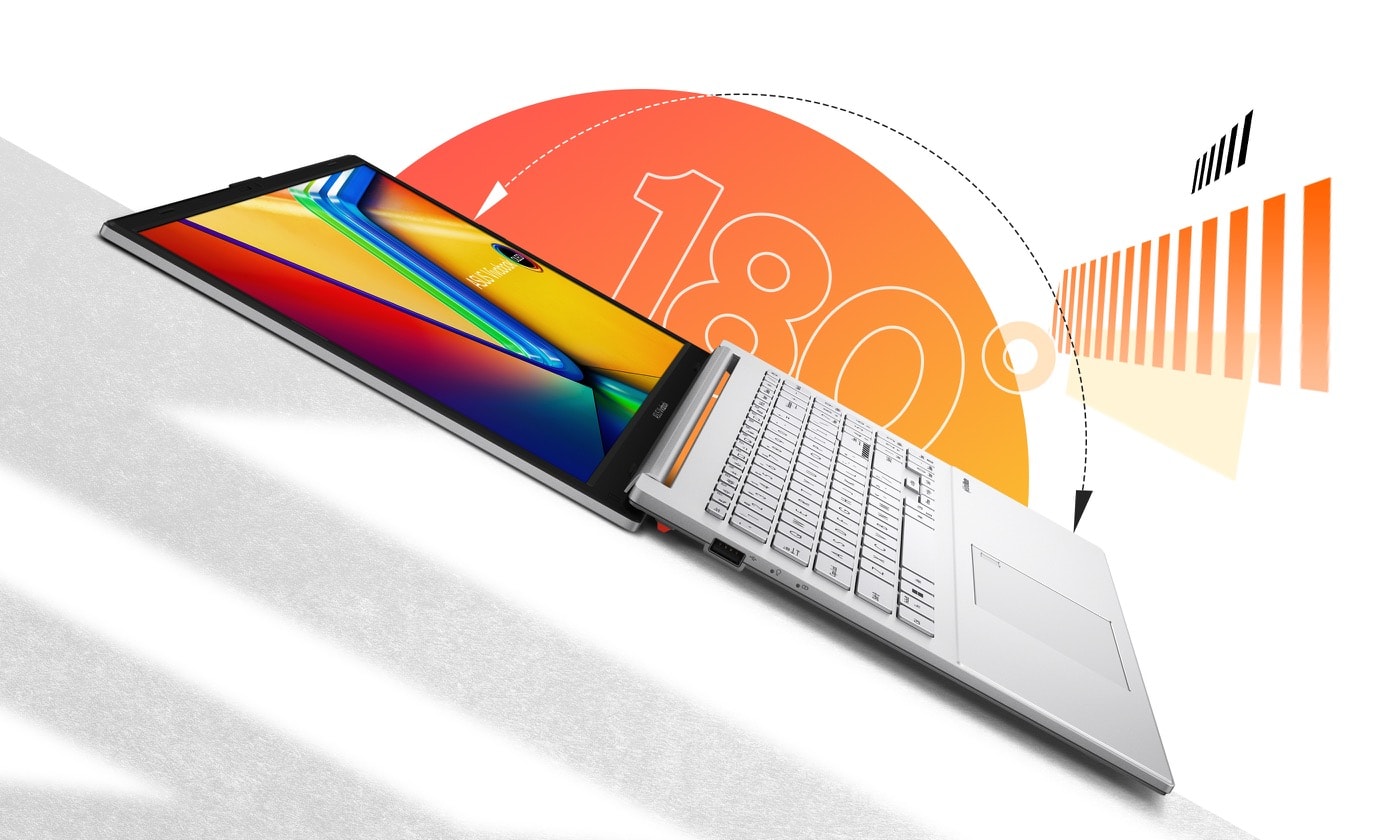
The Vivobook Go 15 measures 14.19 × 9.15 × 0.70 inches and weighs 1.63 kg (3.59 lbs), per the official specs — light for a full-size laptop. It comes in Mixed Black and Cool Silver in the US. ASUS rates it to the US MIL-STD 810H military-grade standard (12 test methods, 26 procedures in the lab) — a durability standard, not a drop-proof promise. The 180° lay-flat hinge opens the screen flat for sharing, and a physical shutter covers the 720p HD webcam.
Display
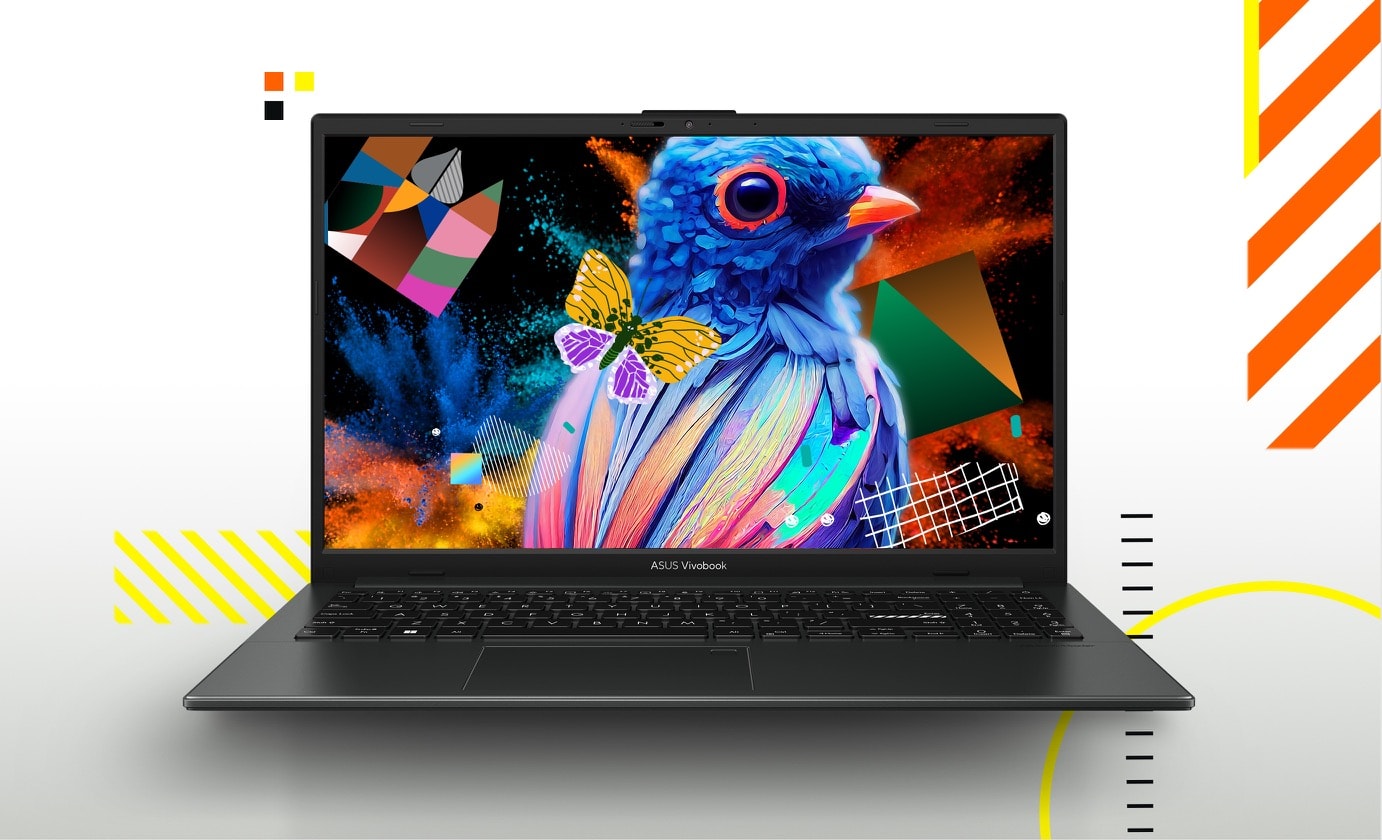
The reviewed AB34 has a 15.6-inch Full HD (1920 × 1080) LED display: 16:9, 60Hz, 250 nits, 45% NTSC color coverage, anti-glare, and an 84% screen-to-body ratio, per the official specs. Non-touch, TÜV Rheinland-certified for low blue-light comfort. For everyday use — classes, documents, email, YouTube and streaming — that screen is good enough: text is sharp, and the anti-glare coating helps in bright rooms. But it is not a color-accurate or bright outdoor display, and it will struggle in direct sunlight. Two traps: ASUS does not claim IPS for the E1504FA-AB34, and the nicer OLED panel (100% DCI-P3, 400 nits) exists only on higher-priced variants, not on sub-$400 configurations.
Performance
The AB34 runs an AMD Ryzen 3 7320U: quad-core, eight-thread, 2.4GHz boosting up to 4.1GHz, with integrated AMD Radeon Graphics, per the official specs. With 8GB of LPDDR5 memory and a 256GB M.2 NVMe PCIe 3.0 SSD, that is a solid everyday combination. Based on the official specs, it handles browsing, word processing, spreadsheets, video calls and streaming without feeling slow, and the fast NVMe storage keeps Windows 11 Home responsive. Know its limits: with no discrete GPU, this is not a gaming laptop or an editing workstation. If that is your workload, the Dell Inspiron 15 vs HP 15 comparison covers other budget 15-inch options.
Keyboard and audio
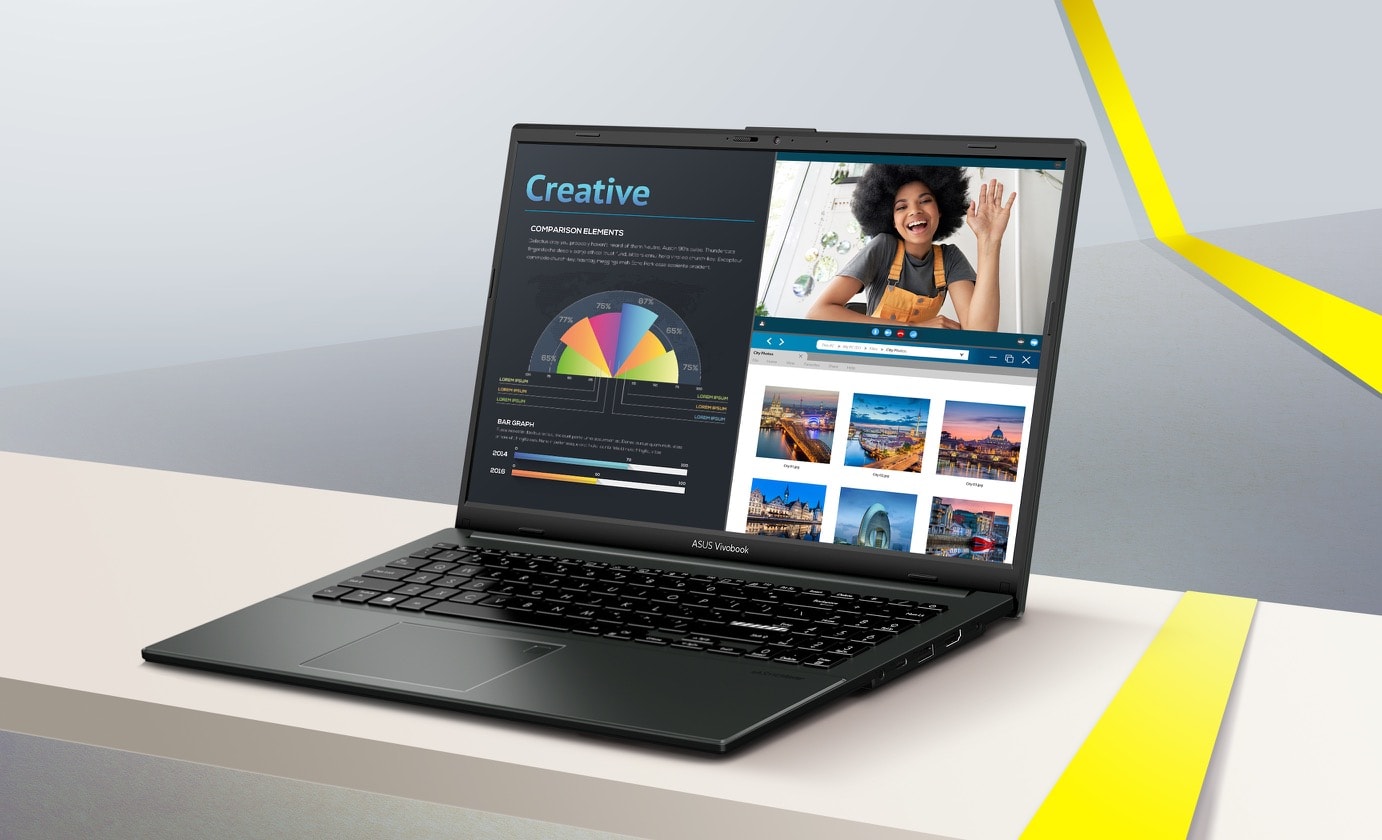
The keyboard is ASUS ErgoSense: a full-size layout with a number pad, 19.05mm key pitch, 1.4mm key travel and dished key caps, plus a precision touchpad, per the official specs. The number pad is a genuine advantage for spreadsheets and data entry. One honest gap: ASUS does not name a backlit keyboard for this laptop, so do not assume the keys light up in the dark. Audio is ASUS SonicMaster with DTS Audio Processing, and the array microphone has AI noise cancelling — useful for calls, though headphones are better for music.
Ports and connectivity
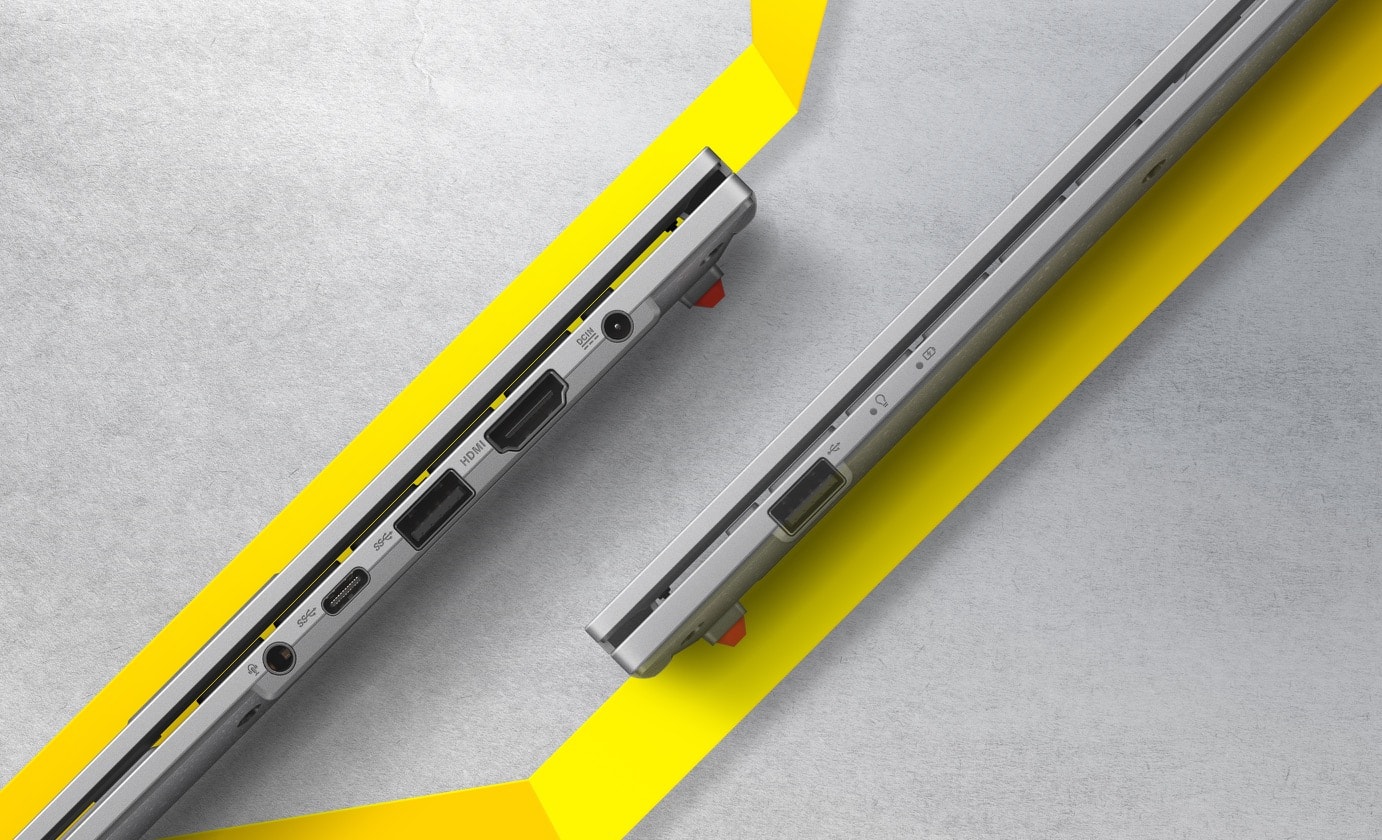
Per the official specs, you get one USB 3.2 Gen 1 Type-C port (data up to 5Gbps), one USB 3.2 Gen 1 Type-A port, one USB 2.0 Type-A port, one HDMI 1.4 port, a 3.5mm combo audio jack and a DC-in power jack. There is no Ethernet port and no SD card reader, so photographers will need an adapter. The catch: ASUS lists the USB-C port for data only, with no power-delivery or display claim — do not assume you can charge this laptop over USB-C. Wi-Fi is 6E on some configurations and Wi-Fi 5 on others, with Bluetooth 5.3 or 5.0 depending on configuration, per the official specs.
Battery and charging
Battery capacity is 42Wh or 50Wh depending on configuration, per the official specs — and ASUS does not publish a single battery-life hour figure for this family. We say that plainly because several small review sites quote hour figures without an ASUS source, and we will not repeat a number we cannot verify. Plan around the capacity: this is a laptop for a day with a charger nearby, not one to buy expecting all-day unplugged use. If long battery life is your top priority, the Acer Aspire Go 15 wins on paper in our comparison (53Wh, up to 12.5 hours per Acer). Charging is a bright spot: 60% in as little as 49 minutes via the DC-in jack, per the official specs.
Storage and upgradability
Storage is where the AB34 earns its recommendation. Its 256GB M.2 NVMe PCIe 3.0 SSD is double the 128GB in the base model and in the Acer Aspire Go 15, and 128GB fills up fast once Windows, apps and a few large files are on the drive. The family offers 128GB–1TB SSD options depending on configuration, per the official specs. Memory is the hard limit: 8GB of LPDDR5 memory is soldered on board and cannot be upgraded later, so if you need more, buy the 16GB configuration now. Storage, by contrast, is expandable through a spare M.2 2280 PCIe 3.0 slot. You can fix storage later, but you can never fix the memory — which is why the 8GB/256GB AB34 is the sensible pick and the 4GB/128GB base is not.

Who should buy it — and who should not
Who should buy the ASUS Vivobook Go 15
- Students who need a light 15.6-inch laptop for classes, notes, research and video calls — yes, in the Ryzen 3 / 8GB / 256GB configuration.
- Home users who want a big-screen Windows laptop for browsing, email, documents and streaming without spending $500 or more.
- Budget buyers who carry their laptop daily and value the 3.59 lb body, military-grade build and webcam shutter.
Who should NOT buy it
- Gamers and video editors — the entry-level Ryzen 3 and integrated graphics cannot handle demanding games or heavy editing.
- Buyers who need 16GB of RAM — buy the 16GB configuration instead; the 8GB here is soldered and cannot be upgraded.
- Anyone who needs a bright, color-accurate screen — the 250-nit, 45% NTSC panel is fine for everyday use, not for photo work.
For a second opinion, our Lenovo IdeaPad Slim 3 review covers another budget student laptop worth reading before you decide.
Common mistakes to avoid
- Buying the 128GB base model for local files. The $299.99 Athlon model looks like a bargain, but 4GB of RAM and 128GB of storage fill up fast. If you keep files on the laptop, buy the 256GB AB34 instead.
- Assuming every configuration has Wi-Fi 6E, an OLED screen or an IPS panel. Wi-Fi is 6E on some configurations and Wi-Fi 5 on others; OLED exists only on pricier variants; ASUS does not claim IPS for the AB34.
- Assuming the RAM is upgradeable. 8GB of LPDDR5 memory is soldered on board. If you think you will need 16GB, buy the 16GB model now.
- Assuming USB-C charging works. The USB-C port is data-only per the official specs; the laptop charges through the DC-in jack.
- Judging the whole family by the $299.99 price. That price is the base Athlon configuration; the Ryzen 5 / 16GB model costs $449.99–$499.99. Always check which configuration a price belongs to.
Frequently asked questions
Is the ASUS Vivobook Go 15 good for students?
Yes — in the Ryzen 3 / 8GB / 256GB configuration (E1504FA-AB34): light at 3.59 lbs, MIL-STD 810H build, webcam shutter, fast charging, and double the base model's storage. The 4GB/128GB base model only suits browser-and-cloud students.
Can you upgrade the storage on this laptop?
Yes — storage is expandable via a spare M.2 2280 PCIe 3.0 slot. Memory cannot be upgraded: 8GB of LPDDR5 memory is soldered on board.
Does the ASUS Vivobook Go 15 have a backlit keyboard?
ASUS does not name a backlit keyboard for this laptop in its official specifications, so do not assume it is backlit — check the exact listing if that matters to you.
What is the battery life of the Vivobook Go 15?
ASUS does not publish a single battery-life hour figure for this family, so we do not quote one. Battery capacity is 42Wh or 50Wh depending on configuration, per the official specs.
Is the screen good enough for watching video?
Yes, for everyday viewing: the 15.6-inch Full HD display is sharp enough for streaming and video calls. At 250 nits and 45% NTSC it is not bright or color-rich enough for photo work or sunny outdoor viewing.
What ports does the Vivobook Go 15 include?
One USB 3.2 Gen 1 Type-C (data only, up to 5Gbps), one USB 3.2 Gen 1 Type-A, one USB 2.0 Type-A, one HDMI 1.4, a 3.5mm combo audio jack and a DC-in jack. No Ethernet port and no SD card reader.
Which Vivobook Go 15 configuration should I buy?
Most buyers should buy the E1504FA-AB34: Ryzen 3 7320U, 8GB of RAM and a 256GB SSD. Buy the $299.99 base Athlon model only for browser-and-cloud use, and the Ryzen 5 / 16GB model ($449.99–$499.99) only if you multitask heavily and your budget stretches past $400.
Conclusion
The ASUS Vivobook Go 15 is the cheapest honest way into a big-screen Windows laptop in 2026 — as long as you buy the right configuration. The E1504FA-AB34 gives you a Ryzen 3 processor, 8GB of memory, a 256GB SSD, a light 3.59 lb body, a tough build and fast charging. The $299.99 base model is a different, much weaker machine, and the Ryzen 5 model costs more than $400 — so check the configuration, check the current price, and buy the AB34.
Check the current price of the ASUS Vivobook Go 15 (E1504FA-AB34) on Amazon
Sources and references
- ASUS USA — Vivobook Go 15 (E1504F) Tech Specs — official specifications for the E1504F family.
- Neowin — "Asus Vivobook Go 15 is finally worth considering at 36% off…" (November 12, 2026) — $299.99 base Athlon configuration price.
- Ben's Bargains (Nov 15, 2026) — $299.99 base configuration confirmation.
- Best Buy — E1504FA-IS56 (SKU 6676708), $449.99–$499.99 Ryzen 5 / 16GB.
- ASUS eShop USA — Vivobook Go 15 family starting price $299.99.
- Tech Gear Hub — Acer Aspire Go 15 vs ASUS Vivobook Go 15 (November 3, 2026) — our comparison verdict.


0 Comments